
This Report Studio theme setting allows you to choose how you want dollar amounts to appear on your reports. Examples of fields that this setting affects include total value, cost basis, and realized gain/loss.
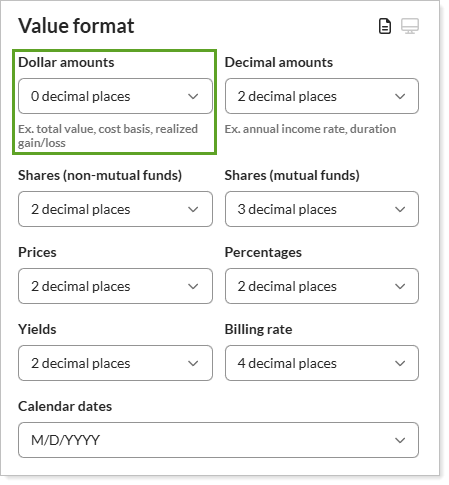
Your choices are:
-
0 Decimal Places.For example, Report Studio will display $78,000.0000 as $78,000
-
2 Decimal Places.For example, Report Studio will display $78,000 as $78,000.00.
-
3 Decimal Places.For example, Report Studio will display $78,000 as $78,000.000.
-
4 Decimal Places.For example, Report Studio will display $78,000 as $78,000.0000.