
The Include borders setting determines whether the border is displayed around the legend. When disabled, the legend is displayed without a border.
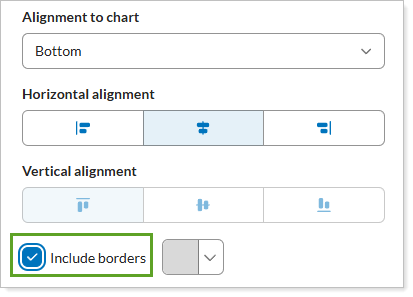
You also have the option to choose the border color by selecting the color menu list.
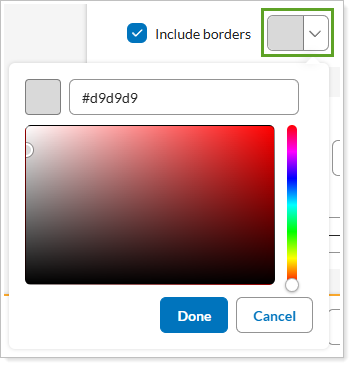
To set the color, select an area in the color picker, do either of the following:
-
Enter the hex code for the color you want, such as #d9d9d9.
-
Drag the sliders to select a color.
For more information, see Border.