
Repeating method specifies how Report Studio generates additional colors when a chart or report requires more colors than are defined in the theme. This setting extends the palette while maintaining a consistent visual appearance.
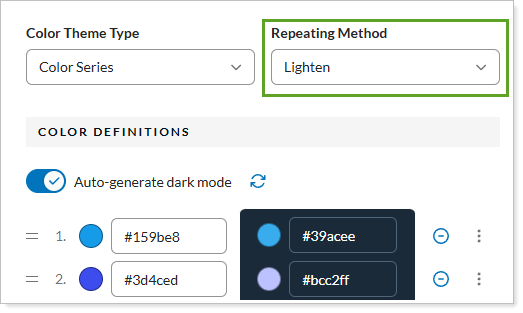
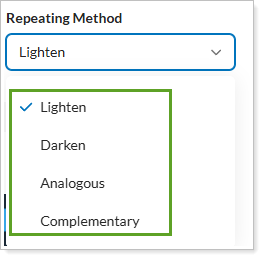
You have the following options with the setting:
-
Lighten. Creates additional colors by progressively increasing the brightness of existing colors.
-
Darken. Creates additional colors by progressively decreasing the brightness of existing colors.
-
Analogous. Creates additional colors that are closely related to the original colors, producing a smooth and cohesive palette.
-
Complementary. Creates additional colors that contrast with the original colors by using opposite colors on the color wheel.