
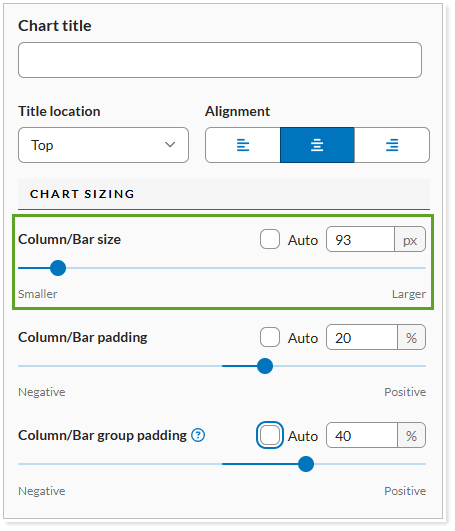
Use Size to control the size of the chart in a module. You can designate the pixel size or the percentage the chart should be in relation to the page in the report where the chart appears.
Report Studio provides this setting for the following modules:
-
Column/Bar/Line module
-
Pie Chart module
Column/Bar/Line module
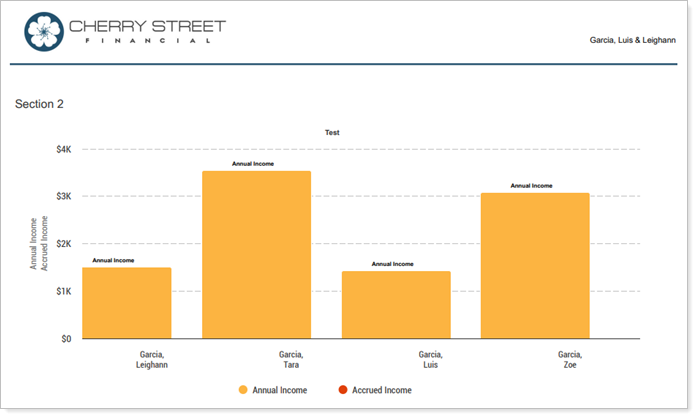
For example:
Example 1 (150 px)
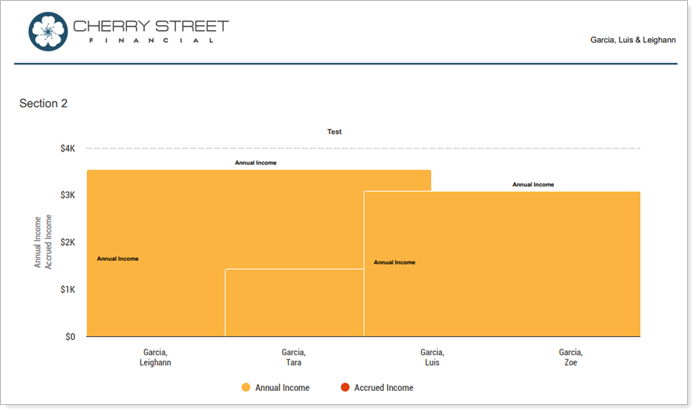
Example 2 (475 px)
Pie Chart module

For example:
Example 1 (134% or 369 px)

Example 2 (50% or 138 px)
