
Contents
Introduction
The Power Apps mobile device application provides centralized access to the Microsoft apps that are available to you and your organization on the Power Apps platform, including Tamarac CRM.
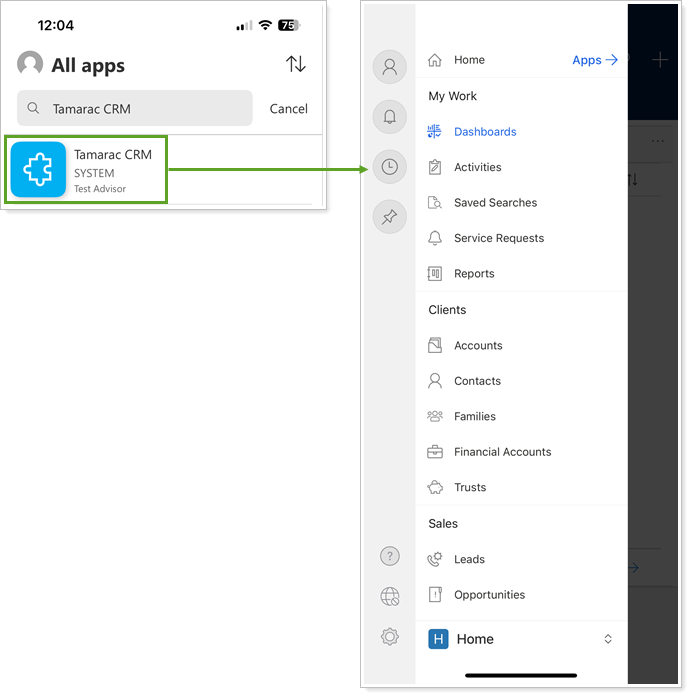
Tamarac CRM in Power Apps offers a secure and accessible way to view and manage your client information and workflows on the go.
This topic covers steps to install Power Apps and Tamarac CRM on your mobile device.
Install the Power Apps Mobile App
To access CRM on your mobile device, you must download the Power Apps mobile app. The Power Apps mobile app is available on iOS and Android devices.
From your device’s app store, search for and download Power Apps. After the download completes, Power Apps will prompt you to sign in using your Dynamics 365 credentials.
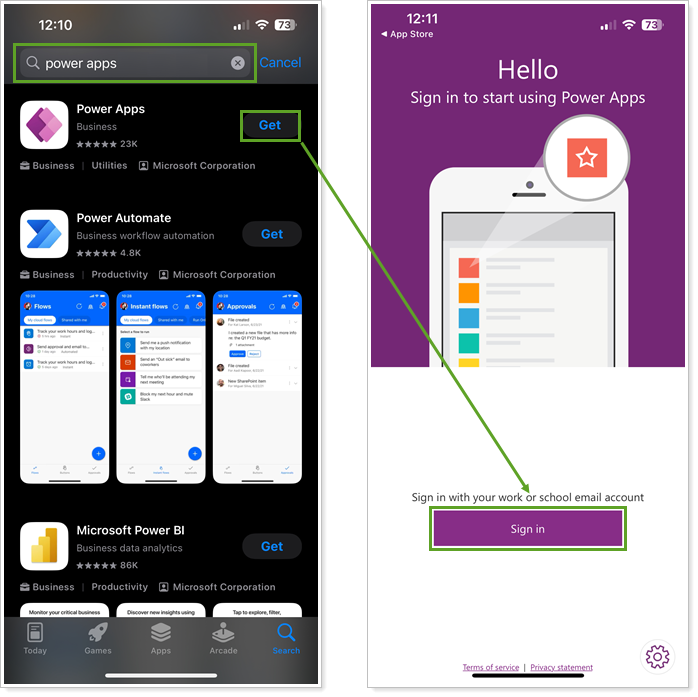
For more information, see Install the Power Apps mobile app (external link opens in a new tab).
Add Tamarac CRM to Power Apps
Once authenticated, you choose the apps that you want to use on your mobile device.
To add the Tamarac CRM app to Power Apps:
-
From the Power Apps menu, select All apps.
-
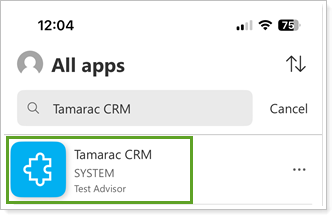
Enter Tamarac CRM in the search.
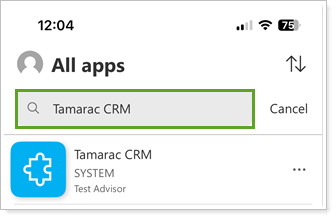
Note
You should only see one result. If you see multiple options, review the Environment name to identify the correct CRM site for your organization.
-
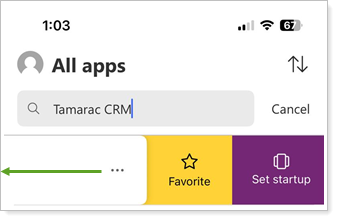
Before you open the app from the list, you can optionally swipe to the left on Tamarac CRM and choose one or both of the following options:
-
Favorite: Lists CRM at the top of your view under All apps.
-
Set startup: Launches CRM automatically when you open Power Apps on your device.
-
-
Select Tamarac CRM to open the application. This will automatically sign you into CRM and display your default Dashboard view.
Use Tamarac CRM in Power Apps
The mobile application looks and feels like your CRM site while optimizing for smaller screen compatibility. You can navigate through the pages and your workflows similarly to your experience on a desktop.
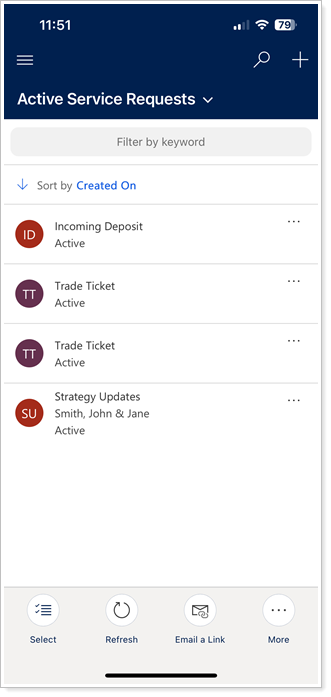
Certain functionality may only be accessible on the desktop version due to limitations with the mobile app's layout.